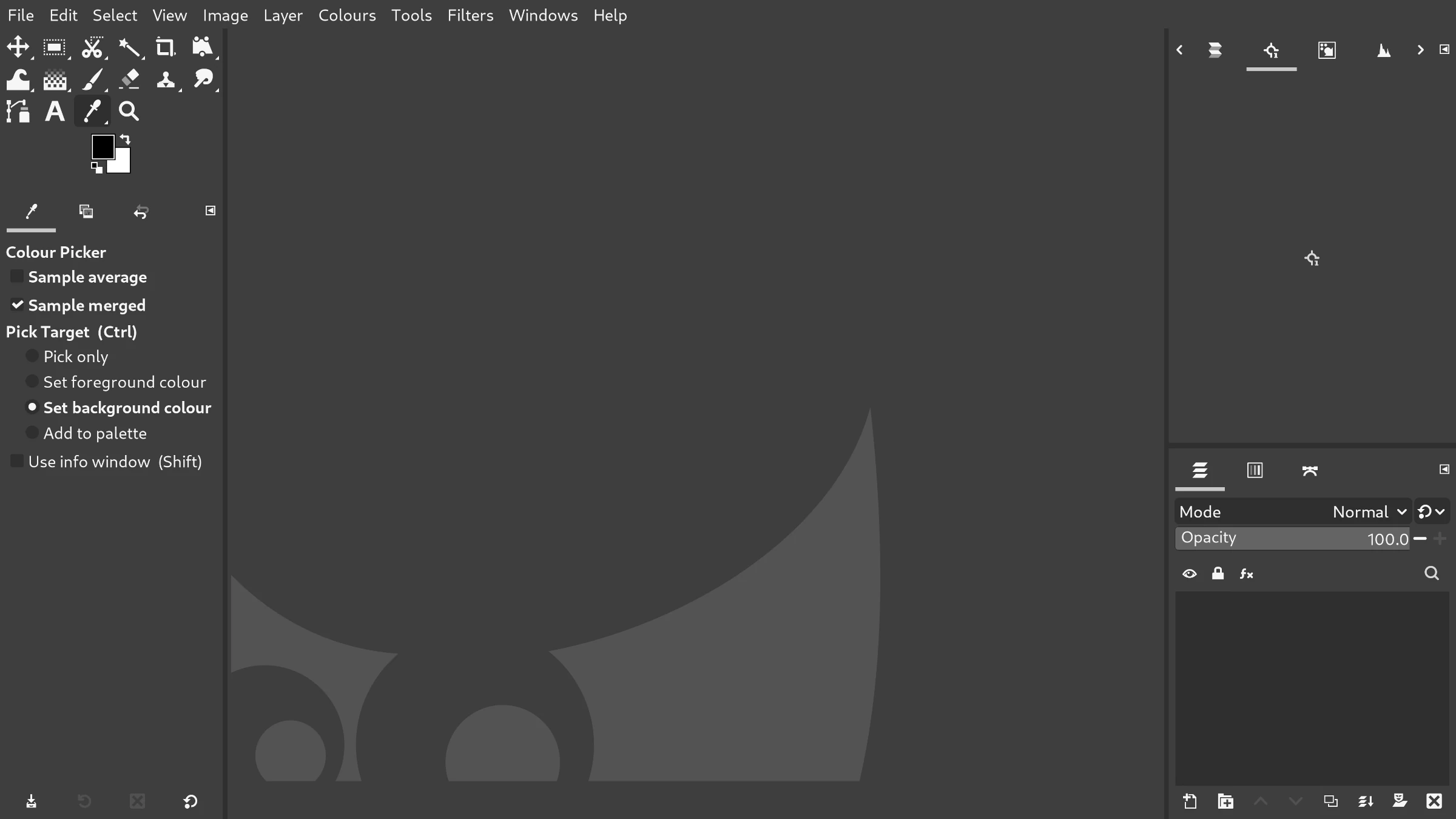
The GIMP 3 series cements its place as a professional and truly advanced piece of software.


It deserves a UI to match.

After completing v1 of my PrintroomExpertSuperflat theme, I decided to start work on a dark version. HyperflatGraphite is the result.


Hyperflat


The interface is clarified and extraneous visual detail is removed. You are left with what you really need, and what you need is easy to see.

Everything has space to breathe, without encroaching on the image more than necessary.

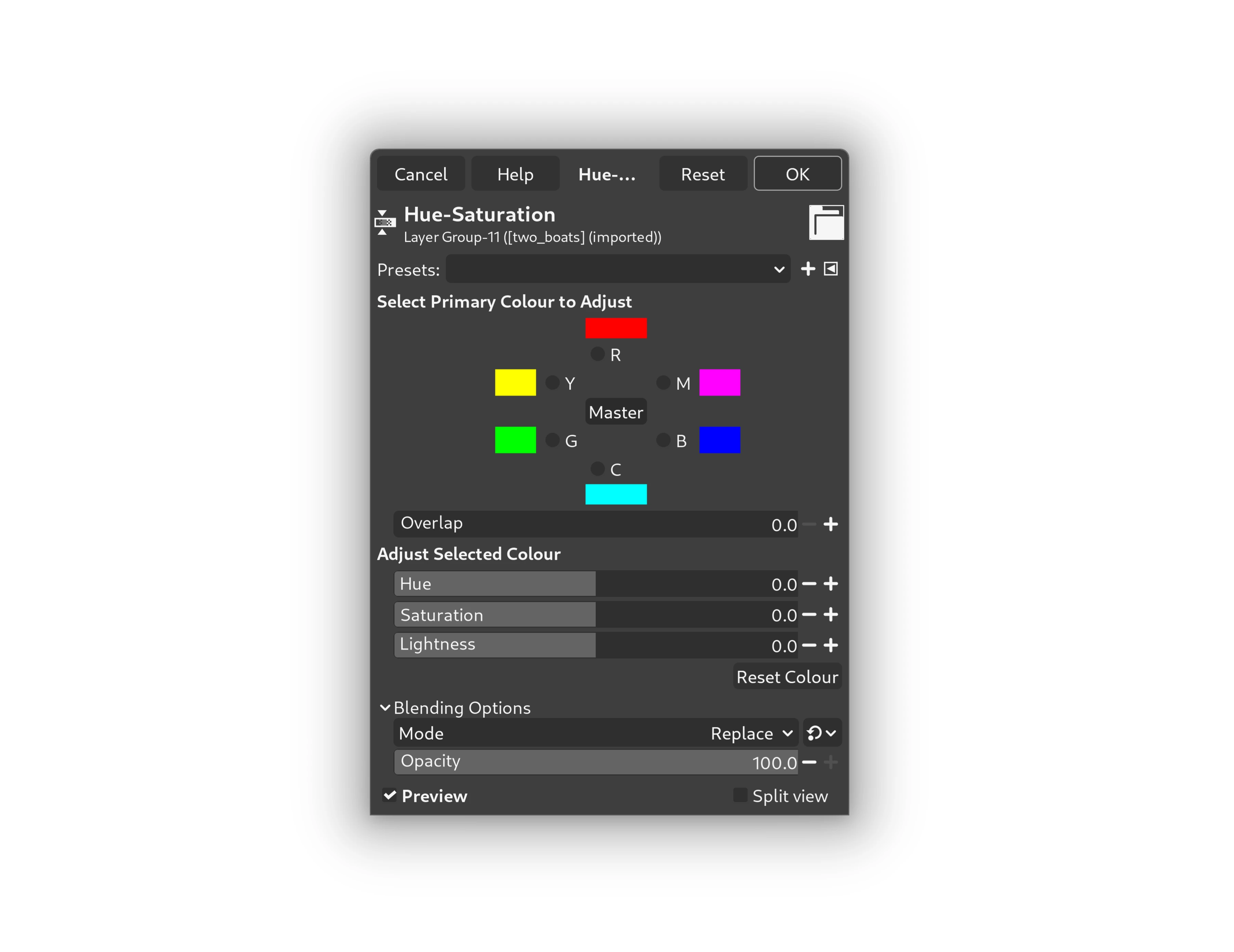
The Hue-Saturation dialog in GIMP

Graphite


The colour value of all elements are equal RGB, meaning your perception of colour in the image remains unbiased.

The dark scheme is laid back and easy on the eye, ideal for creative sessions running deep into the night.

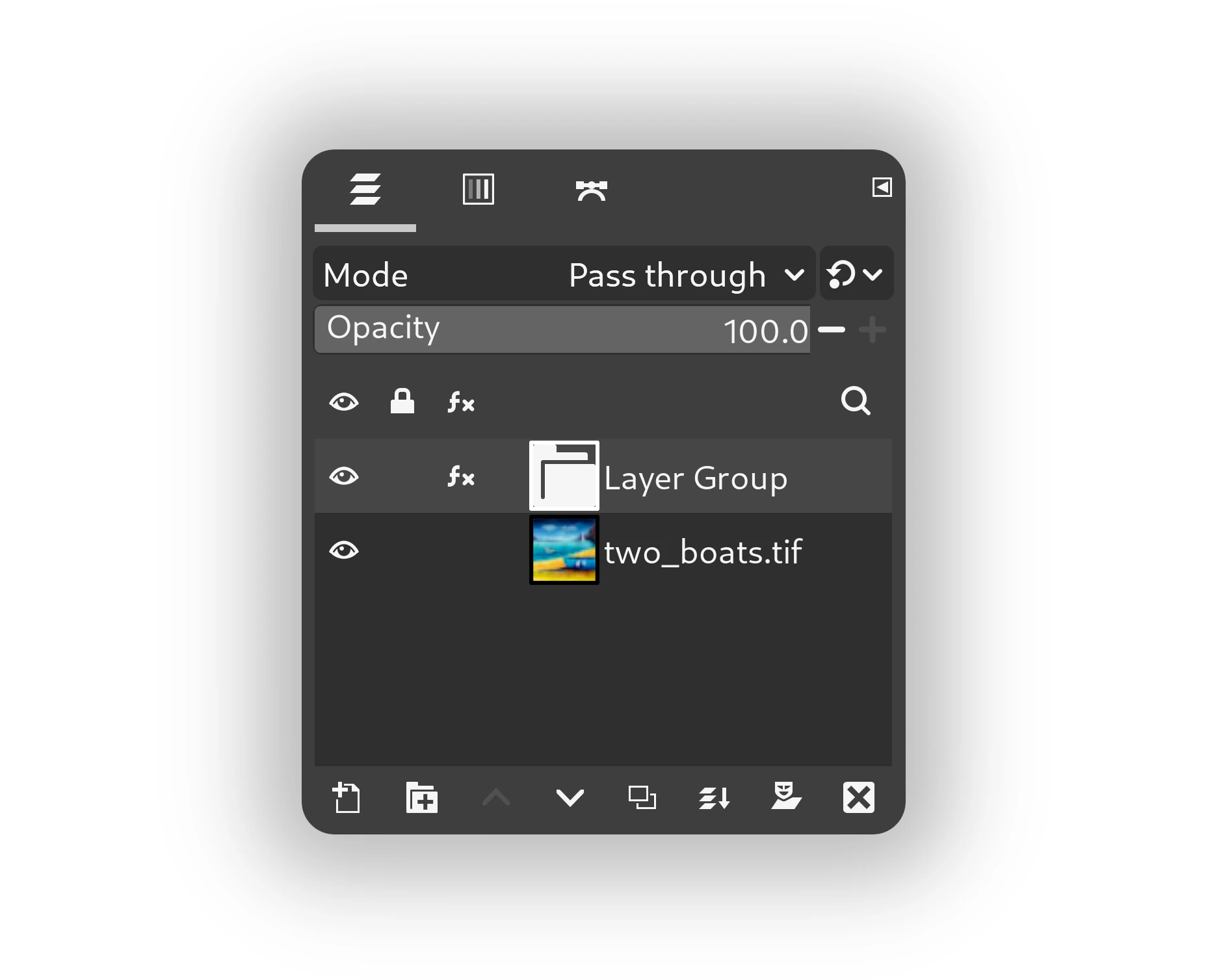
The Layers dialog in GIMP

Download


Download the .zip file, then extract it, and place the HyperflatGraphite folder wherever GIMP looks for themes on your system.

If you're unsure where that is, go to Edit > Preferences > Folders (click the arrow to open the dropdown) > Themes in GIMP.
Flatpak users please read below.

Flatpak

When installed via Flatpak, GIMP folders can be hard to find. I recommend using GIMP's option to add your own folder for downloaded themes:

- Create a new folder e.g ‘my-gimp-themes’ anywhere on your computer where you're unlikely to accidentally delete or move it in future, and then place the unzipped HyperflatGraphite folder inside it.
- Then, in GIMP, go to Edit > Preferences > Folders > Themes, click the ‘Add a new folder’ button on the left and then the ‘Open a file selector…’ button on the right and select the my-gimp-themes folder you just created.
- Click the OK button.
- Restart GIMP.
- Go to Edit > Preferences > Interface > Theme and select HyperflatGraphite

All further downloaded themes can be placed in the my-gimp-themes folder too, and will become available in GIMP when you restart it.

Read more in the GIMP Manual

Tip

If you're able to make a donation to support my work, please consider doing so here.
It really helps.

Updates

If you'd like to know when there are updates to this theme, either send me an email to let me know, or follow my account on Mastodon where I'll post about updates:

Feedback:
If you'd like to collaborate on developing any of my themes, or have improvements you'd like me to add just get in touch. There are some minor leaks from the users system theme which I haven't worked out how to override yet, and I'm particularly keen to hear from anyone who might be able to solve these.
Comments are also welcome - again, feel free to let me know if you if you have any requests or suggestions.